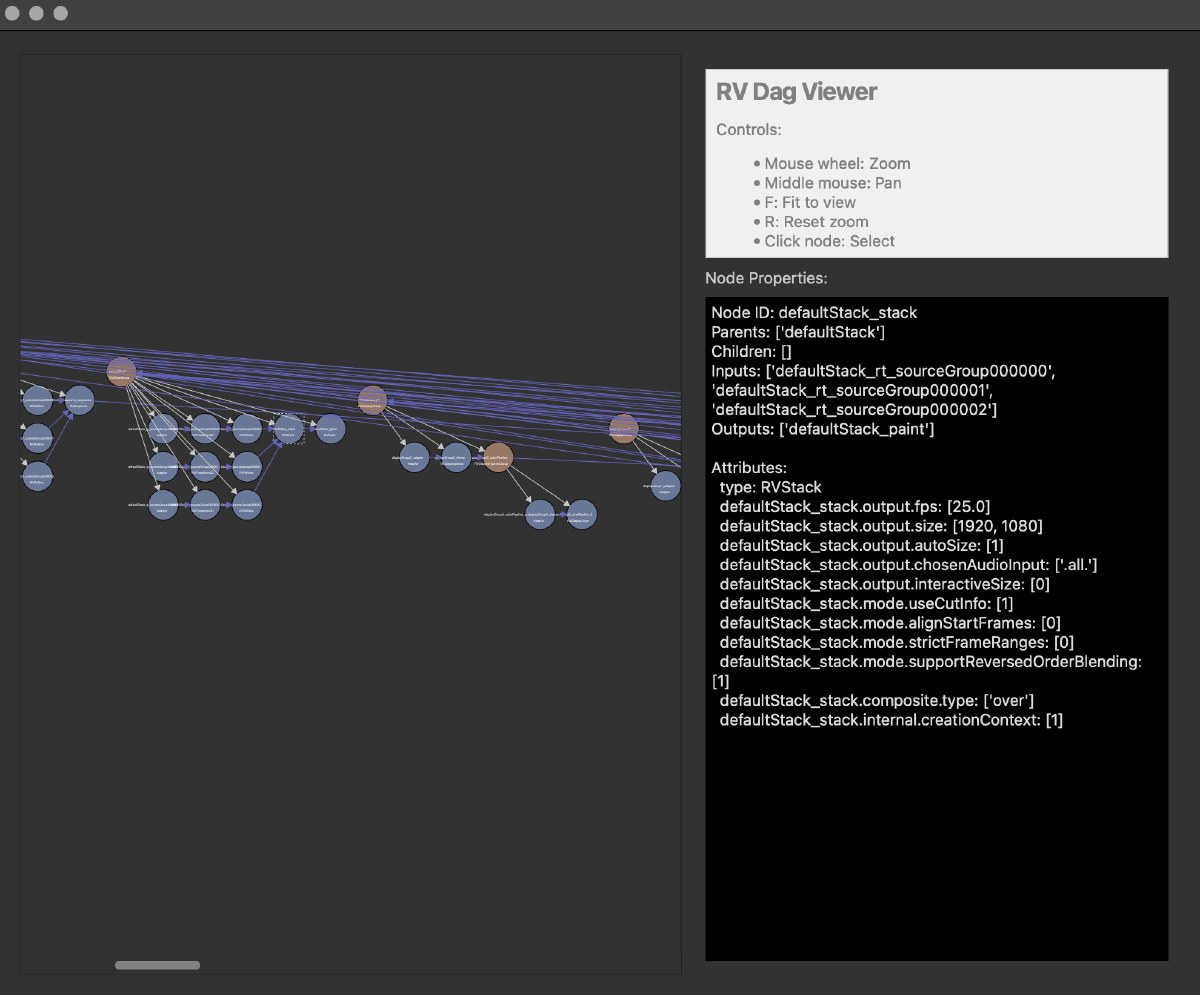
Overview
This is a openRV plugin for viewing the DAG network within OpenRV.
The dagViewer.py code is designed to be somewhat portable, with a interface class that allows it to be easily mapped to other frameworks.
Requirements
| Requirement | Version |
|---|---|
| OpenRV | 2025.0 or later |
| Python | 3.10+ |
| OS | macOS 12+, Linux (RHEL 8+) |
Installation
OpenRV
- Download the plugin
- Inside openrv goto Preferences->Packages and click on “Add packages” and select the above zip file.
- Restart OpenRV.
- Open Preferences → Packages and enable DAG Viewer.
Verify
After restarting, a Dag Viewer should appear under the tools menu.
Usage
See https://github.com/richardssam/RVDagViewer for details on configuration and usage.
Known Limitations
- None known.